pathtracer
webgpu-based path tracerLive
This scene currently works only in Chrome because Firefox’s WebGPU support is incomplete and Linux support in Chrome is still in development. While I've initialized the path tracer to a fairly low resolution and sample count, it is still rather GPU intensive. There is a different scene available if you clone and run the repo locally. Launch the live version here.
Clone
Loading...Screenshots
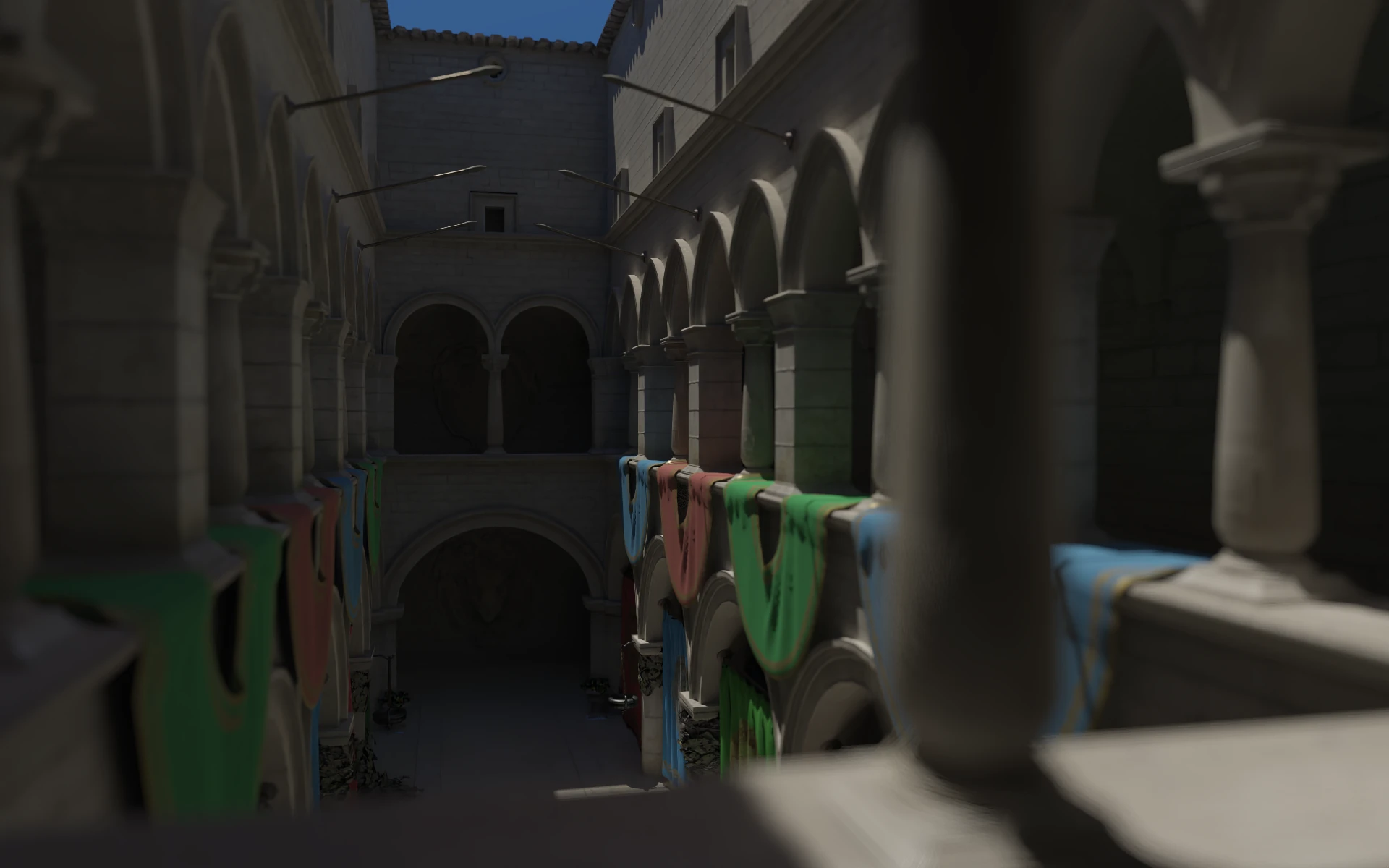
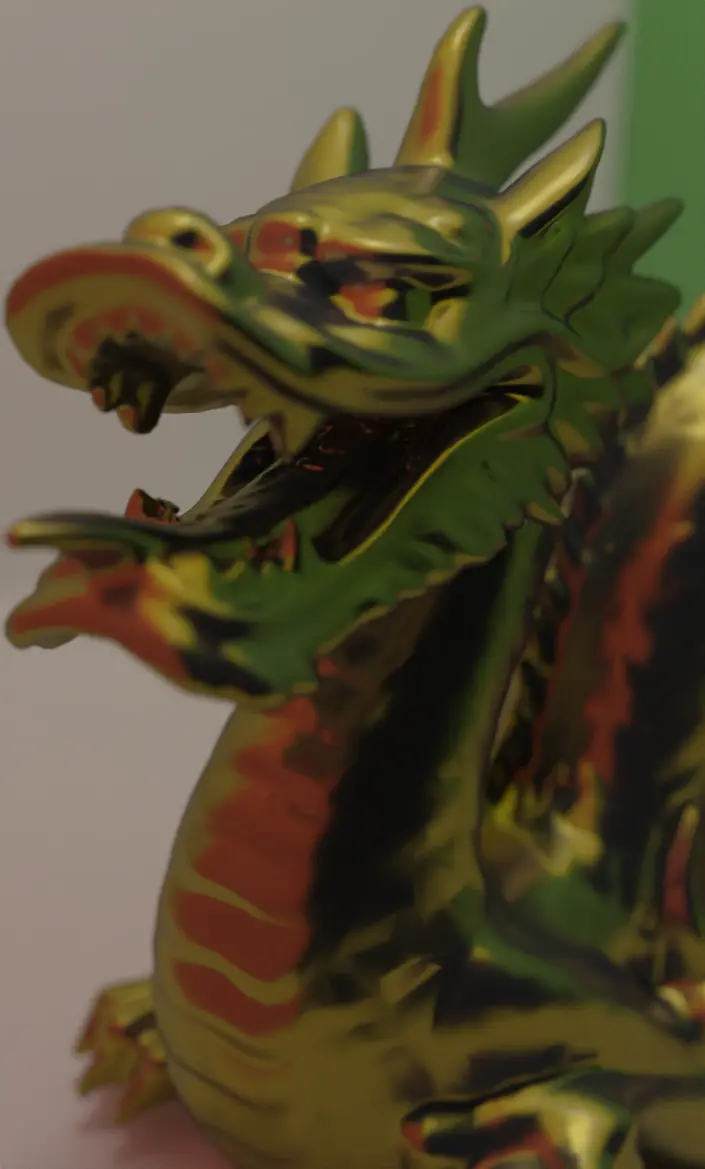
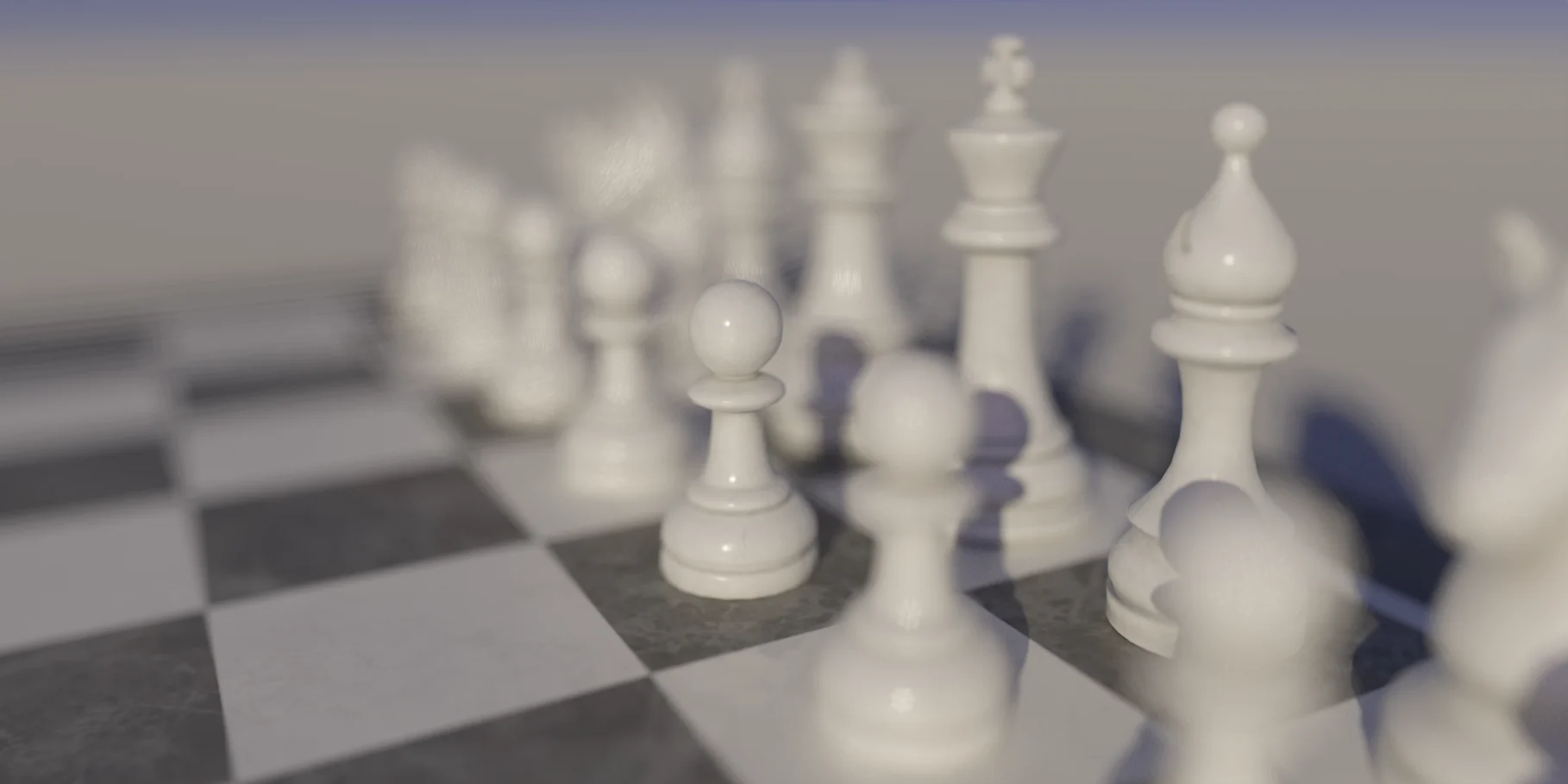
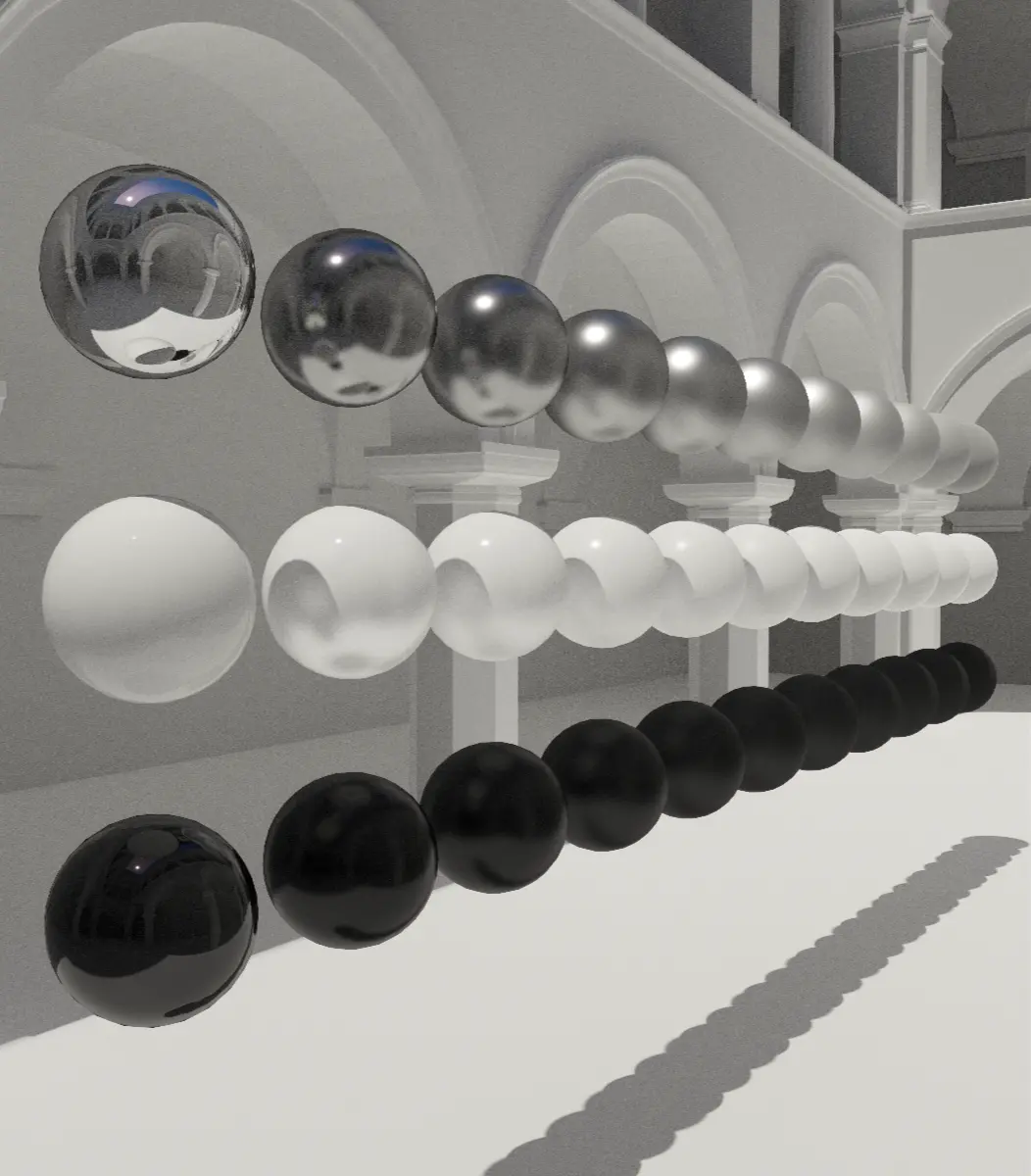
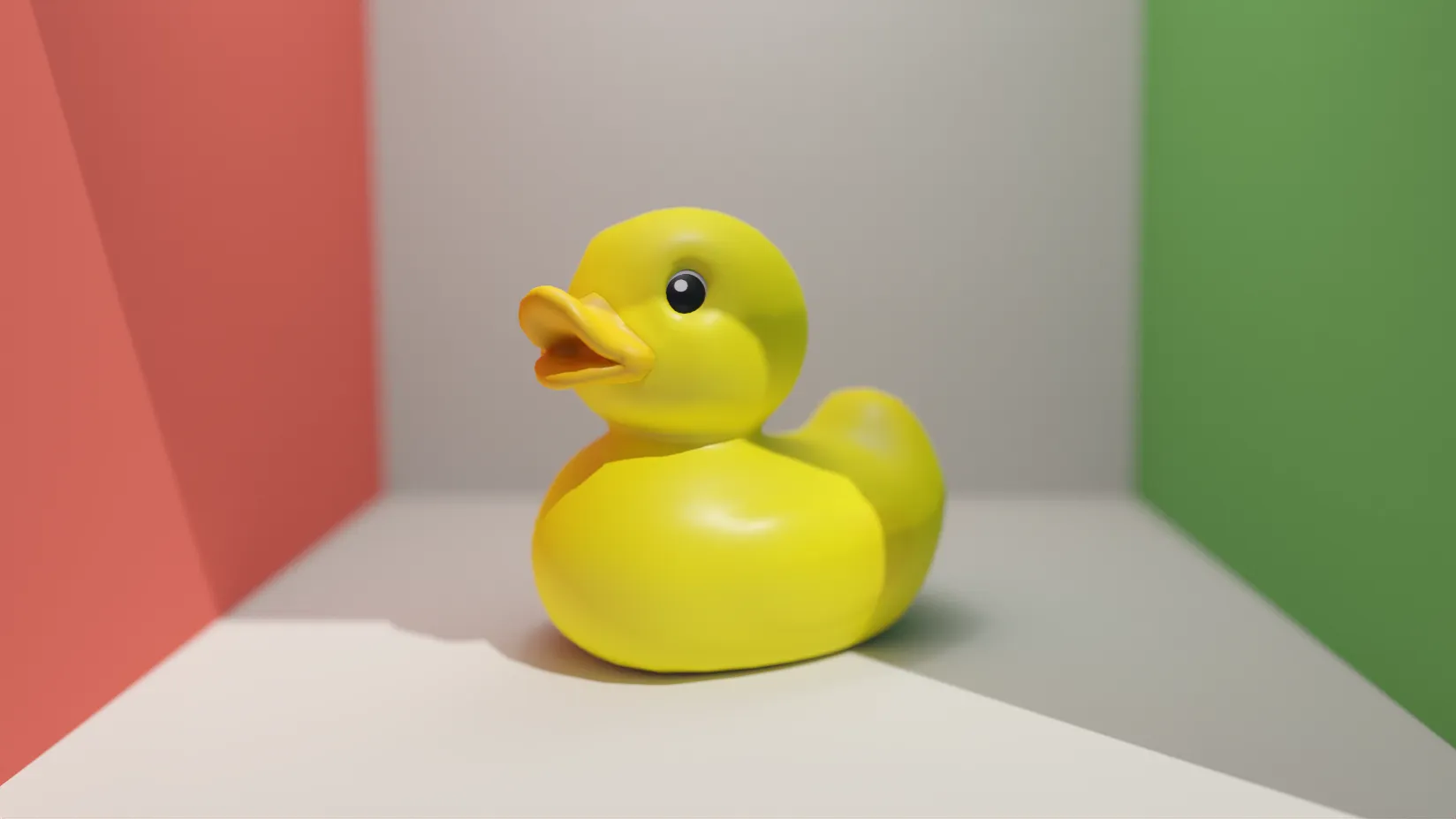
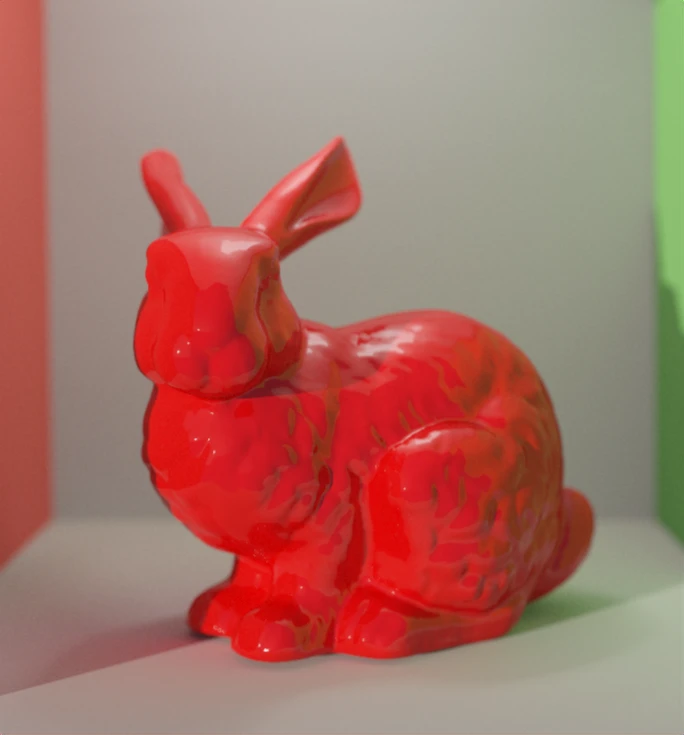
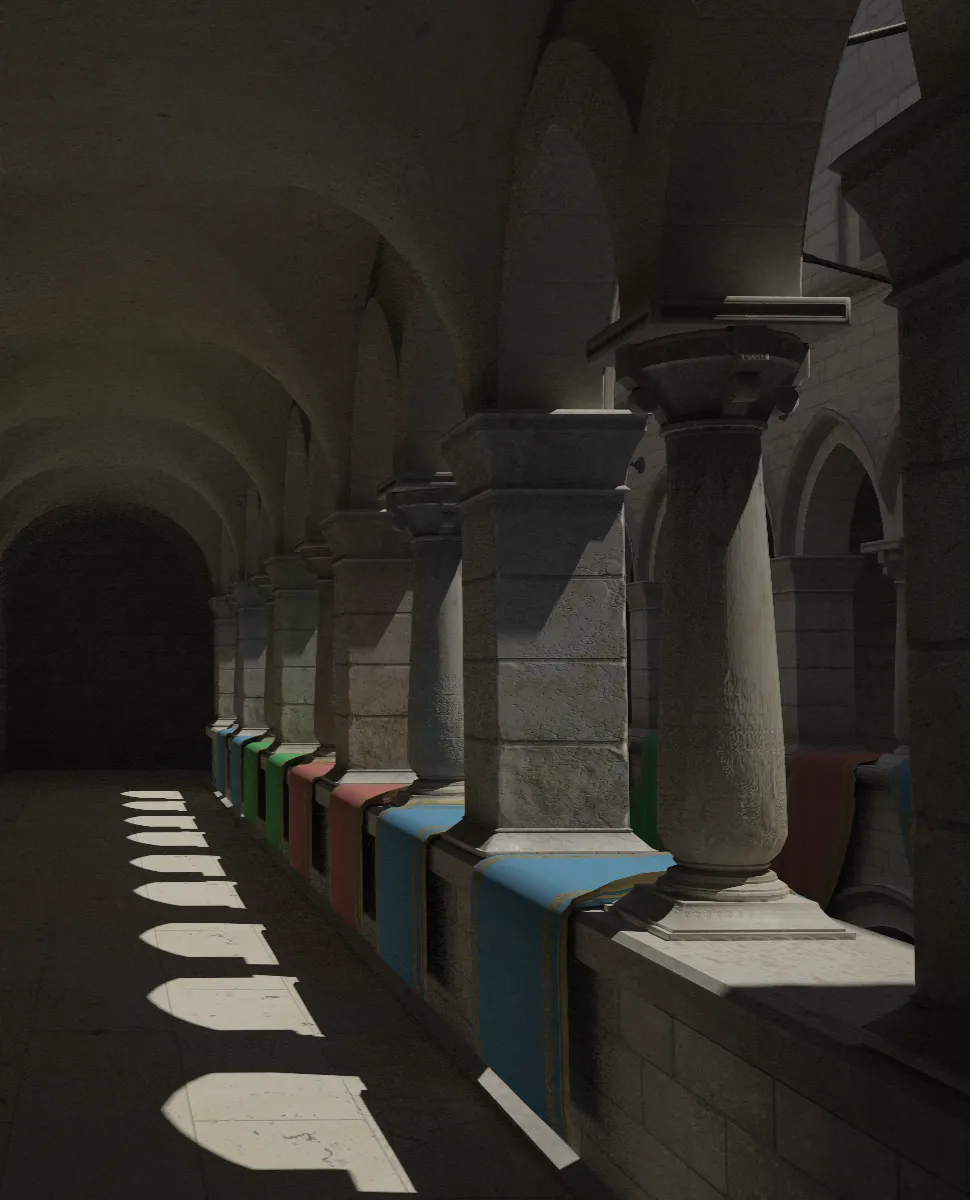
Overview
An interactive path tracer implemented in WGSL. Supports multiple sampling methods, physically based materials including micro-facets, and realistic light sources. Primarily written to explore WGSL and the WebGPU API. So it takes some shortcuts and is pretty straightforward.
This is a GPU "software" path tracer, since there is no HW-accel using RT cores, it contains manual scene intersections and hit tests.
- Single megakernel compute pass, that blits the output to a viewport quad texture
- All primitives are extracted from the model -> a SAH split BVH is constructed from that on the host
- Expects GLTF models, since the base specification for textures and PBR mapped pretty nicely to my goals here. So roughness, metallic, emission, and albedo. Textures and the normal map
- A BRDF for these material properties, pretty bog standard. Cosine weighted hemisphere sample for the rougher materials and a GGX distribution based lobe for the specular.
- There is no support for transmission, IOR, or alpha textures
- Balanced heuristic based multiple importance sampling; two NEE rays. One for direct emissives and another for the sun
- Uses stratified animated blue noise for all the screen space level sampling and faster resolves.
- Contains a free cam and mouse look, typical
[W][A][S][D]and[Q][E]for +Z, -Z respectively.[SHIFT]for a speed up. The camera also contains a basic thin lens approximation. - Since WebGPU doesn't have bindless textures, the suggested way of doing textures is a storage buffer. This would require generating mipmaps on the host. I just stack the textures and call it a day here.
- All shader internals are full fat linear color space, that is then tonemapped and clamped to SRGB upon blitting.
Local setup
pnpm install
pnpm run dev
/public should contain the assets. Just compose the scene manually in main.ts position, scale, rotate. All the included models are licensed under Creative Commons Attribtution 4.0.
To-do
- Direct lighting NEE from an HDR equirectangular map
Resources
- WebGPU specification
- WGSL Specification
- Jacob Bikker: Invaluable BVH resource
- Christoph Peters: Math for importance sampling
- Jakub Boksansky: Crash Course in BRDF Implementation
- Brent Burley: Physically Based Shading at Disney
- Möller–Trumbore: Ray triangle intersection test
- Pixar ONB: Building an Orthonormal Basis, Revisited
- Uncharted 2 tonemap: Uncharted 2: HDR Lighting
- Frostbite BRDF: Moving Frostbite to Physically Based Rendering 2.0
- Reference Books: Ray tracing Gems 1 and 2, Physically based rendering 4.0.